
Download Banner Designer – banner design, animated banner, mobile banner, graphic design tool, create banners, banner maker, mobile app
Обзор
Banner Designer – это мобильное приложение, разработанное компанией DesignTools Inc., предназначенное для упрощения создания анимированных баннеров для цифрового использования. Приложение ориентировано на частных лиц и малый бизнес, которым нужен упрощённый способ создания профессионального визуального контента без сложности продвинутых программ, таких как Photoshop или Flash. Его основная цель – позволить пользователям быстро и эффективно генерировать привлекающие внимание динамичные баннеры, особенно для веб‑сайтов или социальных сетей. Приложение решает типичные проблемы, такие как кривая обучения, трудоёмкие рабочие процессы и ограниченный доступ к инструментам дизайна, предлагая интуитивный интерфейс с встроенными ресурсами.
Целевые пользователи включают недизайнеров, маркетологов, создателей контента и владельцев малого бизнеса, которым необходимо создавать визуально привлекательные баннеры для веб‑сайтов, рекламных объявлений или социальных платформ. Реальные сценарии использования включают рекламные кампании, анонсы мероприятий и элементы брендинга для онлайн‑магазинов. Приложение вписывается в более широкую экосистему продуктивных и дизайнерских инструментов, предоставляя лёгкую, доступную альтернативу настольным графическим редакторам. Несмотря на выпуск в 2012 году, Banner Designer остаётся актуальным для пользователей, которым важны простота использования и быстрые результаты, а не продвинутая настройка. Разработчик не предоставил дополнительных технических деталей о будущих обновлениях или планах дорожной карты.
Ключевые функции и возможности
- User-Friendly Interface: The app features an intuitive layout modeled after familiar design tools, enabling users to navigate functions without prior experience. This simplicity reduces the time needed to start creating banners, making it ideal for quick projects.
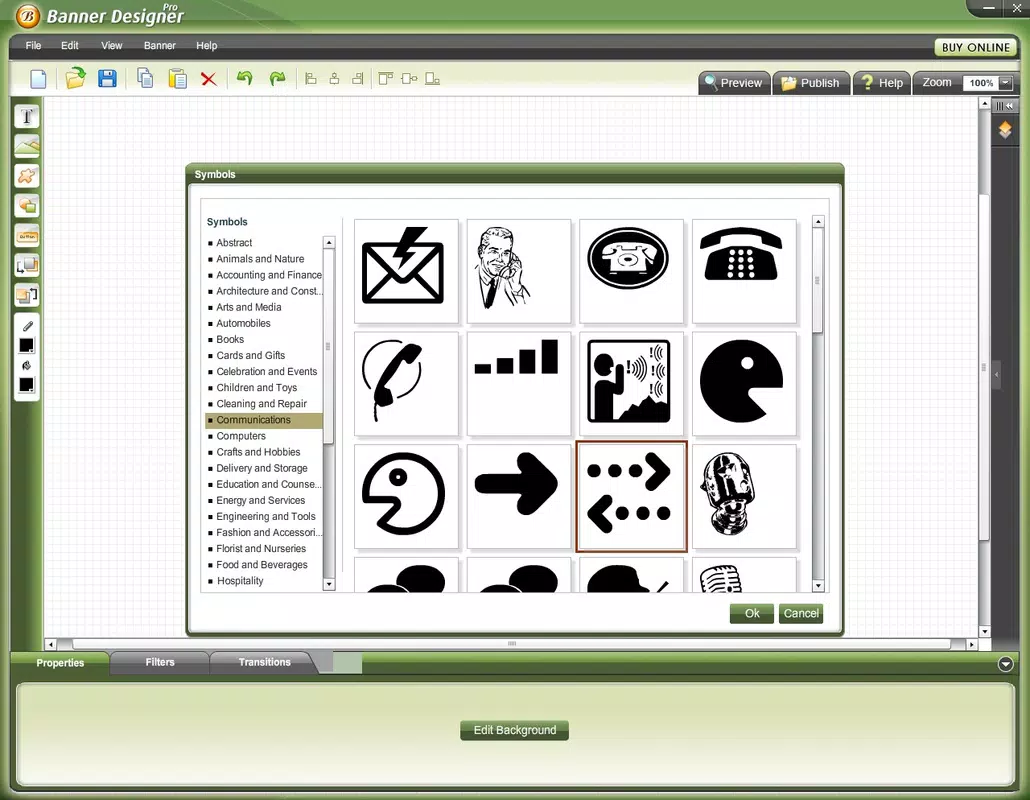
- Extensive Artistic Resources: Users have access to dozens of artistic fonts and hundreds of preloaded images. These assets support a wide range of visual styles, from modern to vintage, allowing for diverse creative expression.
- Custom Image Upload: The ability to import personal photos or graphics gives users full control over branding and personalization, ensuring each banner reflects unique identity or message.
- Dynamic Filters and Transitions: Built-in animation effects and visual transitions enhance the banner’s appeal. These features allow users to apply motion and style changes that elevate the final output to a professional standard.
- Custom Button Creation: Beyond banners, users can design custom buttons that match their visual theme. This functionality supports cohesive branding across digital platforms and improves interactivity in web projects.
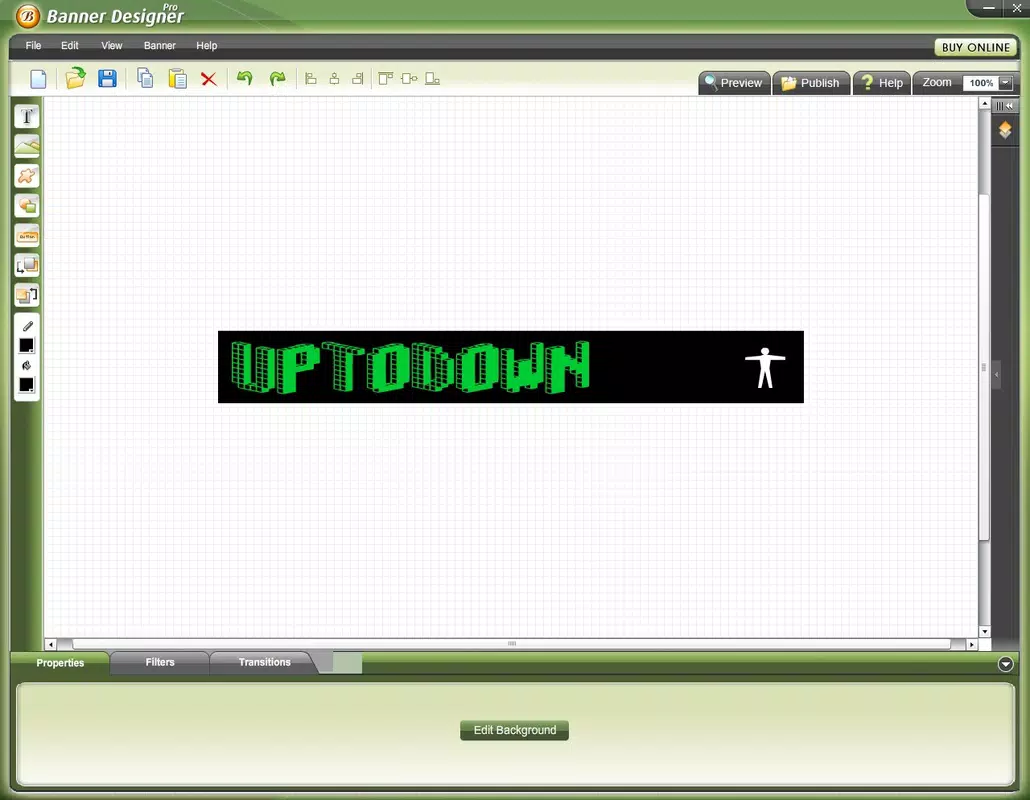
For example, a small business owner could use Banner Designer to create a promotional banner for a seasonal sale, select a festive font, apply a fade-in transition, and add their logo using the upload feature. The result is a polished, animated banner ready for use on their website or social media, all within minutes.
Interface, UX & Performance
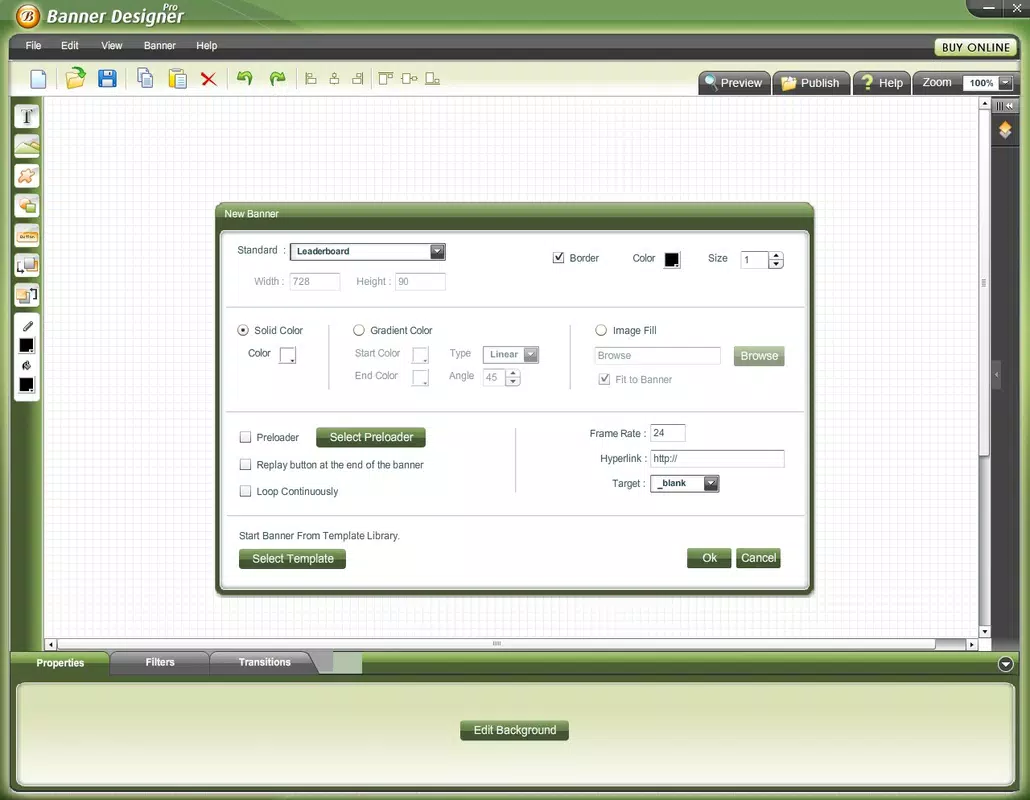
The user interface of Banner Designer is structured to prioritize clarity and ease of access. The layout follows a grid-based organization with clearly labeled tools and preview windows, minimizing confusion during the design process. Visual style leans toward minimalism, focusing on functionality over decorative elements, which helps maintain focus on content creation. Navigation is linear and consistent, with a bottom menu bar that provides quick access to core functions like templates, media library, and export options.
Users can expect smooth interaction across various device categories, though the developer did not list formal performance metrics. Although the app is relatively lightweight at 14.5 MB, its responsiveness may vary depending on device capabilities. Stability is assumed to be adequate given the app’s long-standing presence, but specific details about crashes, lag, or memory usage were not disclosed. The app does not appear to require excessive processing power, suggesting it can run efficiently on mid-range Android devices. However, compatibility with newer Android versions was not fully confirmed by the developer.
Platform Compatibility & Technical Requirements
Banner Designer is available exclusively on the Android platform. The current software version is 2.1.3, with a file size of 14.5 MB. The app is designed for Android operating systems, though the developer did not specify minimum OS requirements or device compatibility details. As such, users should verify whether their device meets the necessary system conditions before installation. The app’s relatively small size suggests it is optimized for devices with limited storage, making it accessible for older or budget Android smartphones.
Although the developer did not list formal performance metrics, the app’s lightweight footprint indicates it is likely compatible with a broad range of Android devices. However, users should note that the app was released in 2012, which may affect its ability to function optimally on the latest Android versions without updates. No information was provided about future compatibility or support plans.
Pros and Cons
Pros
- Intuitive interface ideal for beginners and non-designers
- Offers a wide selection of artistic fonts and images
- Supports custom image uploads for personalized designs
- Includes dynamic filters and transitions for animated effects
- Enables creation of custom buttons for cohesive branding
Cons
- Version 2.1.3 is outdated; no recent updates mentioned
- Compatibility with modern Android versions not confirmed
- Developer did not disclose minimum OS or device requirements
- Limited customization options compared to professional tools
- Price point of $4.99 may be considered high for a long-standing app with no updates
FAQ
Is Banner Designer available for iOS devices?
The app is currently only available on the Android platform. No information is provided about iOS compatibility or future releases.
Can I use my own images in Banner Designer?
Yes, users can upload their own photos and graphics to personalize banners and buttons, allowing for full creative control.
Is the app secure to download and install?
As a mobile application from a known developer, Banner Designer is considered secure when downloaded from official sources. Always ensure the app is obtained through trusted app stores.
Does Banner Designer require internet access?
The app functions offline after installation. However, some features may require connectivity if additional resources are accessed from external servers, though this was not specified by the developer.
How often is Banner Designer updated?
As of the latest available information, the app has not received updates since version 2.1.3, released in 2012. No official update schedule or future plans were disclosed.
Final Thoughts
Banner Designer stands out as a practical tool for users seeking a no-frills approach to creating animated banners on mobile devices. Its simplicity, combined with access to a rich library of fonts and images, makes it a viable option for beginners and small-scale creators who need quick, professional results. While the app’s age and lack of recent updates are notable drawbacks, its core functionality remains intact and accessible. For those looking to produce branded banners or interactive elements without investing in complex software, Banner Designer offers a surprisingly effective solution.
Download Banner Designer now


